
Mammography retrofit
A mammography upgrade that starts with your system.
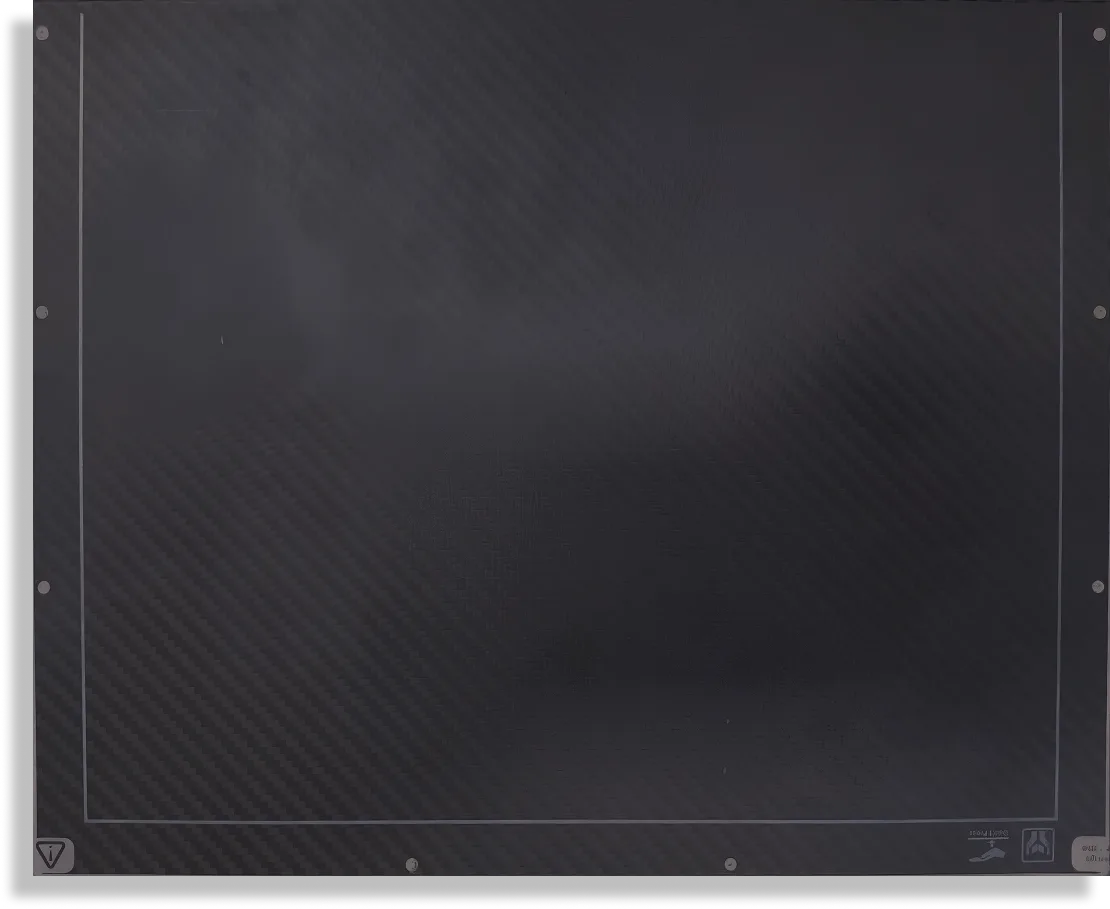
The RSM2430C is the detector. We look at the make, model and configuration, then match the detector, software, workstation and installation to that system.
Mammography retrofit
The RSM2430C is the detector. We look at the make, model and configuration, then match the detector, software, workstation and installation to that system.
Each part is chosen for the system already in the room.
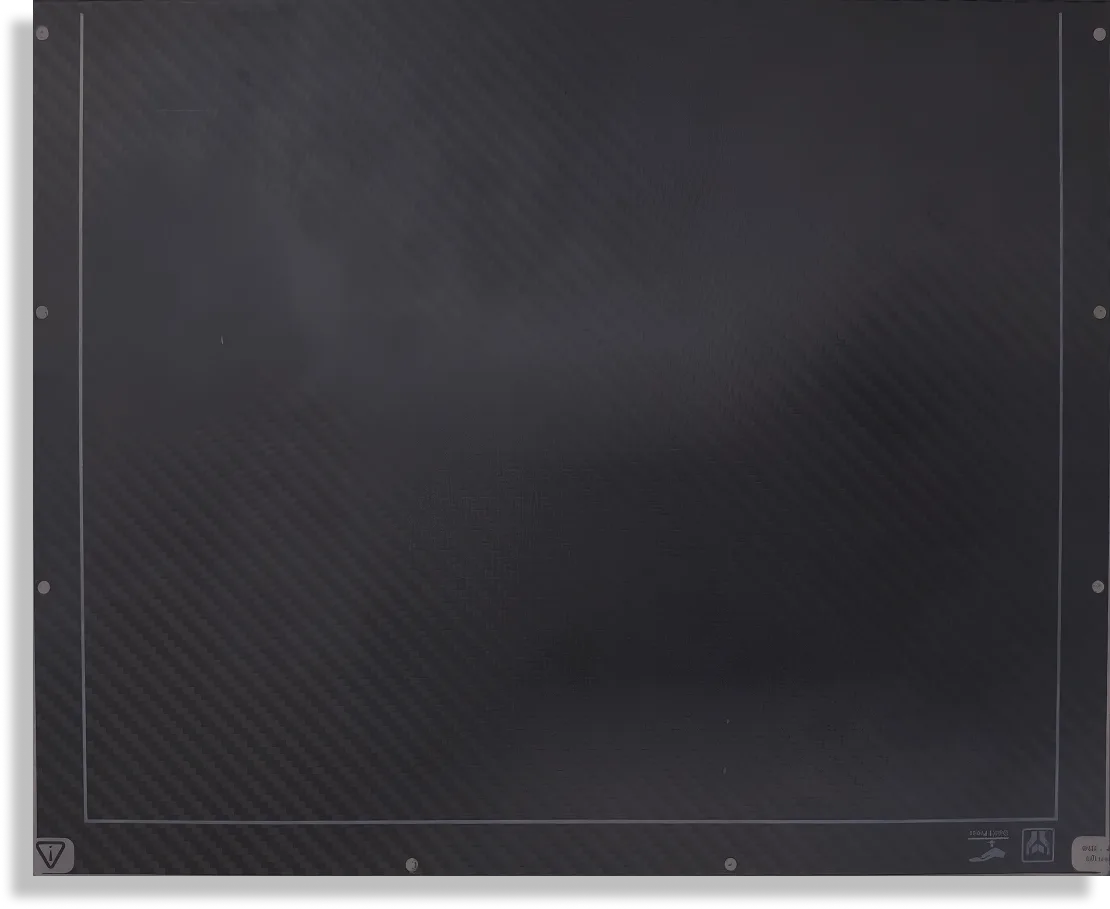
A field sized for mammography, finer than a general radiography panel.
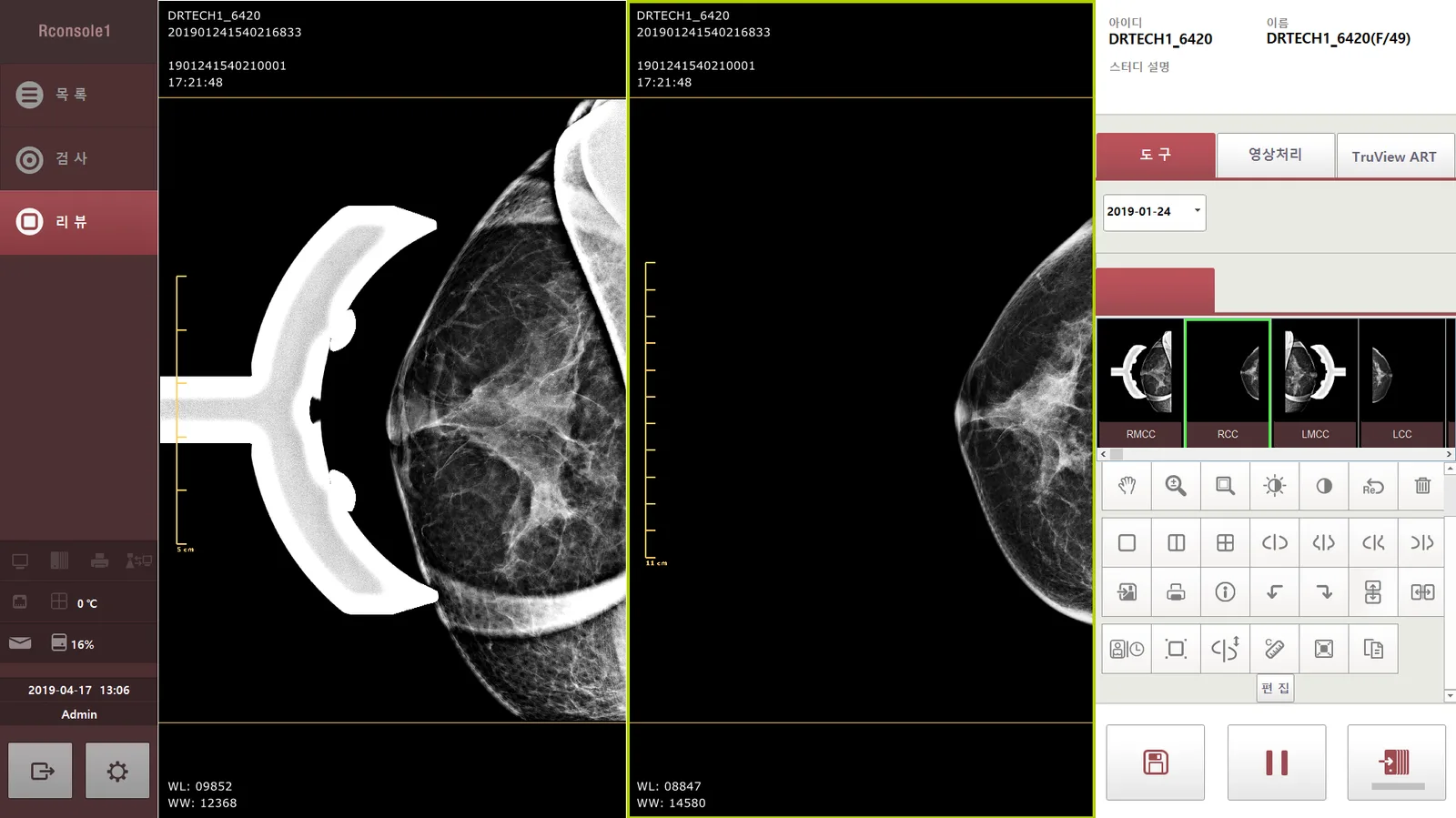
DRTECH’s mammography acquisition software, with image comparison, processing and DICOM · PACS · RIS connectivity.
Configured for the retrofit and ready for the room. It runs the RCONSOLE1 software.
Fitting it to the system you have, which is the whole point of a retrofit.
After-sales and warranty support once it is in. The length and the scope are in the agreement.
Software
DRTECH’s acquisition software for the RoseM line. The functions below are from the RoseM brochure and the RConsole1 user manual; what ships is confirmed for your package.
| TRUVIEW® ART | DRTECH image processing for mammography. It reverses light scatter to sharpen the image and help show micro-calcifications. The brochure quotes 30% more sharpness. |
|---|---|
| Current and past images | Compare today’s study with a prior one, with instant image recall. |
| 9 image styles | Choose the look of the image that suits the reader. |
| One-click layout | Change how the views are arranged on screen in a single click. |
| Large thumbnails | Check the quality of each view quickly before the next exposure. |
| DICOM · PACS · RIS | Send the study to the archive and the hospital information systems. |
| 12 languages | The interface is supported in 12 languages. |
| Worklist and studylist | Patients come from the worklist, and examined studies stay in the studylist to edit, export or send again. Manual entry and barcode or QR entry are both supported. |
| Projection list | The exam screen lists the views for the study, so the operator can see which projection is done and which is next. |
| Mammography markers and views | One-touch RCC, LCC, RMLO and LMLO markers, with 1×1, 2×1, 1×2 and 2×2 layouts, and side-by-side views for comparing left and right. |
| Implant processing | A processing option for studies with breast implants. |
| Image tools | Zoom, pan, rotate, window level, invert, length and angle measurement, and arrow, line, rectangle, ellipse and polygon annotations. |
| Time machine | Bring up earlier studies of the same patient from local storage and compare by date. |
| Worklist, MPPS and printing | DICOM modality worklist, MPPS, PACS send, and DICOM printing are configured from the same console. |
| Users and settings | Login with user accounts, and administrator-only settings for the institution, storage, network and detector. |
RSM 1824C, RSM 2430C, RSM 1824TD, RSM 2430TDS.
| CPU | Minimum Intel i5-3470. Recommended Intel i7-4790. |
|---|---|
| Memory | Minimum 4 GB. Recommended 8 GB. |
| Storage | Minimum 500 GB HDD or 128 GB SSD. Recommended 500 GB SSD. |
| Graphics | NVIDIA GeForce GT630 1 GB. |
| Operating system | Windows 7 Pro, 32 or 64 bit. Recommended 64 bit. |
| Display | Minimum 23 inch at 1600 × 900. Recommended 27 inch at 1920 × 1080. |
The detector
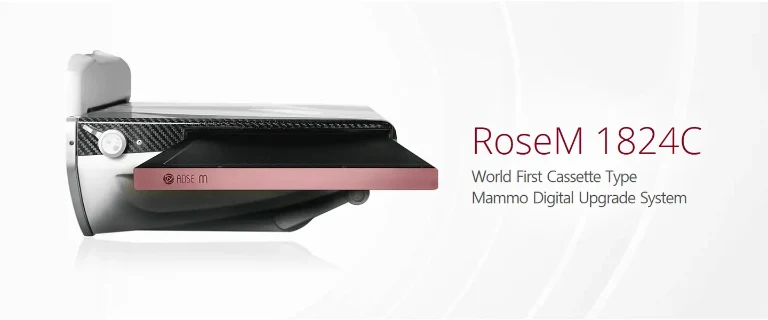
RoseM 1824C is shown. The RSM2430C is the 24 × 30 cm size of the same RoseM line.
The detector goes into the mammography system that is already in the room.
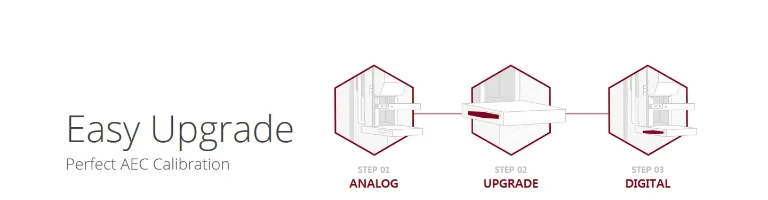
An easy upgrade path with AEC calibration.
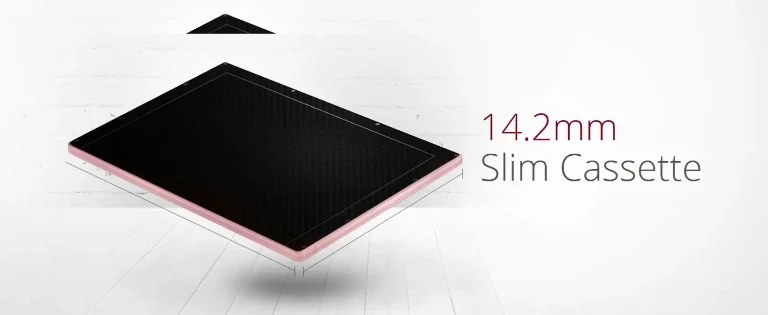
A slim cassette with a 76 µm pixel pitch.
The retrofit suits most existing mammography units. Send the make, model and configuration, and we confirm the integration.
Make, model, current configuration and location.
Whether and how the RSM2430C can be integrated.
The detector, software, workstation, installation and support that room needs.
Specifications
| Detector | DRTECH RSM2430C |
|---|---|
| Active area | 24 × 30 cm |
| Pixel pitch | 76 µm |
| Software | RCONSOLE1 |
|---|---|
| Role | Mammography acquisition platform |
| Connectivity | DICOM, PACS and RIS |
| Review | Image comparison on the acquisition display |
| Processing | Image processing for the mammography workflow |
Package contents, compatibility and final configuration are confirmed by Panacee after assessing your existing system.
The package is built around your system. Detector, software, workstation, installation and support are each chosen for what that room needs.
The retrofit suits most existing systems. Send the make, model and configuration, and Panacee confirms how it integrates.
DRTECH RSM2430C, 24 × 30 cm active area, 76 µm pixel pitch. With the acquisition software: DICOM, PACS and RIS connectivity, image comparison, and processing for that workflow.
Send the make, model and configuration. We confirm how the retrofit integrates.
Prefer to talk? Call +91 96509 00190 or WhatsApp.
Tell us the make and model of your current system and where it is installed.